How to Find Free Books with Amazon Prime - Kindle Owners' Lending Library

Everyone I know who has Amazon Prime loves it. They gladly fork over $79 (now $99) a year for free 2-day shipping and a wagonload of other benefits. I've signed up for free trials in the past, but always cancelled during the trial period because I knew, once I started using it long term, I'd most likely be hooked to the tune of $99/year.
Well, recently Amazon finally lassoed me. We had items we needed quickly for a birthday and the expedited shipping would have been almost the cost of an Amazon Prime membership. So I pulled the trigger for the free shipping and was pleased with some of the other benefits. Streaming music and videos without commercials - what's not to like?
However, one benefit gave me more heartburn than anything else. We love our Kindles in our household, but have noticed Amazon doesn't exactly make it easy to locate free books in their library. It takes some mental and technical gymnastics. So I guess I shouldn't have been surprised when it was also complicated to figure out how to use the Kindle Owner's Lending Library benefit through Amazon Prime.
As described by Amazon:
"Prime members and adults in the same Amazon Household can borrow one book from the Kindle Owners' Lending Library each calendar month. You can deliver the book to compatible devices registered to your Amazon account. Available titles may change each calendar month."

Sounds great, right? It does until you actually try to use it. My first few attempts reminded me of those carnival games that are deceptively difficult to win. Like the arcade claw machine where you can just taste the candy or feel the cute plush unicorn ("It's so fluffy!") within your grasp, but alas, the grip strength of the claw is as weak as the password, "password." You know this or have guessed this already, but these games are virtually impossible to win.
After a bit of internet sleuthing, I came across an EZPZ method to take advantage of the Kindle Owners' Library without tearing my nonexistent hair out.
Step 1. From your device, go to the Kindle Store.

Step 2. Open the menu in the top-right corner
Step 3. Select "Kindle Owners' Lending Library" from the menu

Step 4. Welcome to the promised land! Locate an eligible title to borrow. Eligible titles will display a Prime badge.
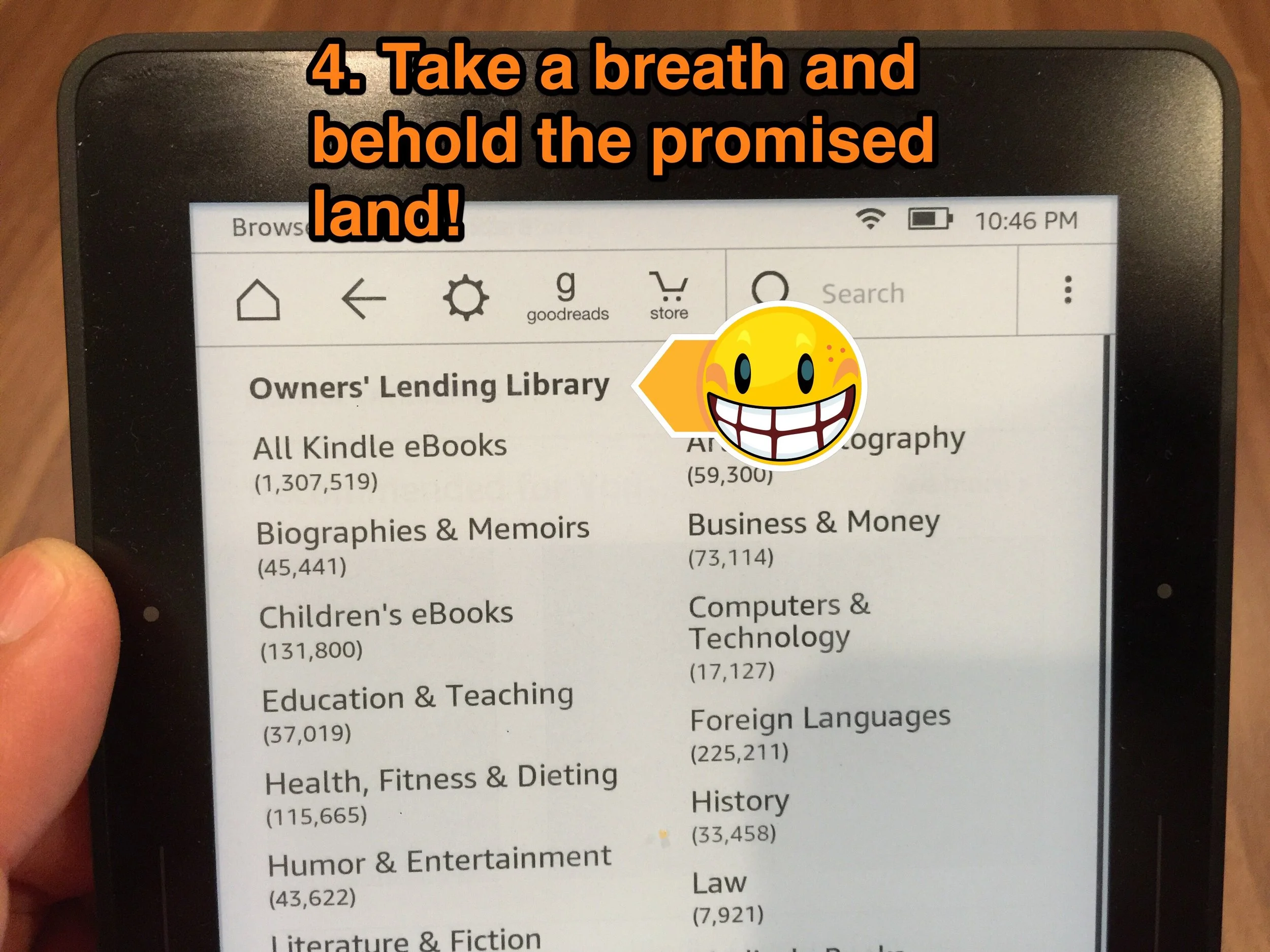
Step 5. Select "Borrow for Free" and enjoy!

If you're curious about Amazon Prime and would like to sign up for a 30 day FREE trial with all the fixings, you can sign up here. Thanks!
Next post next Saturday, 6:30 a.m.
How to Fix the Time on your Hotel iHome clock
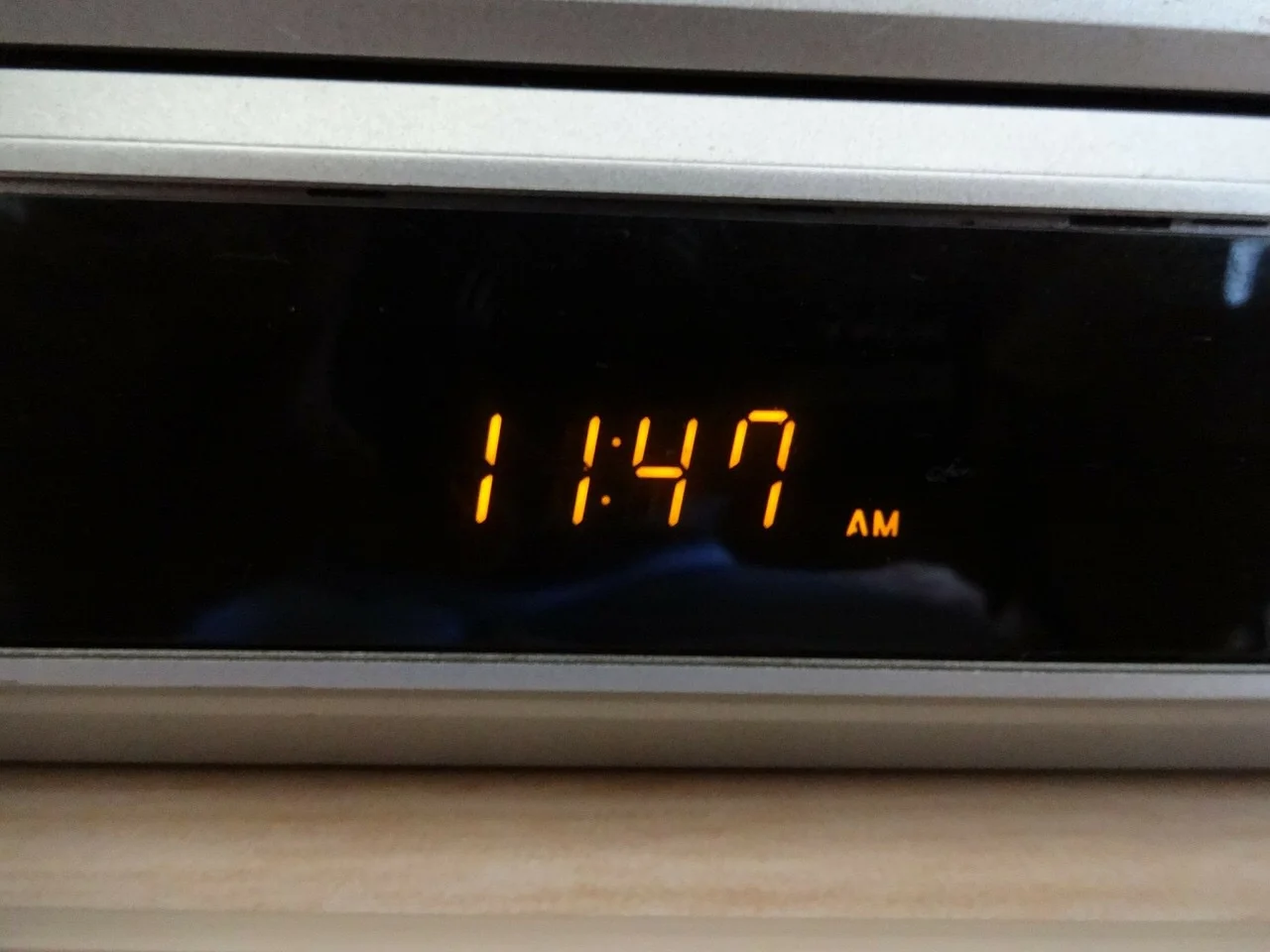
I can usually get by with a bit of fiddling for most run-of-the-mill technology problems. Temperamental WiFi, sluggish laptop, or unreliable streaming devices. However, every once in a while a trial and error solution is not readily apparent. Like the time I unplugged the hotel alarm clock to move it and couldn't figure out how to reset the time. It was a fairly common iHome alarm clock that I've seen in plenty of hotels, but never had to adjust.
After a few head-scratching minutes, I threw my hands up and did a web search. David Levine is my hero! He's got a handy little blog post that helped me reset the clock in no time. And the infuriating part is, like a lot problems, once you know the solution, it seems soooo obvious.
Thanks, David for your EZPZ instructions!
P.S. Unfortunately, when it comes to home improvement I'm more like Tim Taylor (of Home Improvement) than Jonathan Scott (of The Property Brothers). My wife says I have an adversarial relationship with drywall and it's true!
Next post next Saturday, 6:30 a.m.
