Volcano Tongue Twister

One day my son and I were wondering how to pronounce the name of Thor's hammer - Mjölnir. Mea culpa. I'm really, really bad at pronunciation in foreign languages. Cue YouTube for a pronunciation video. Afterwards, my eye fell upon a video for how to pronounce the word "Eyjafjallajökull." Who could resist?
You may remember in April of 2010 Eyjafjallajökull volcano, hidden beneath a glacier, erupted. The eruption and ash thrown into the air shut down air-traffic over much of Northern Europe. The extensive coverage in the news was free advertising and helped to jump-start the tourism boom which pulled Iceland out a deep economic recession.
This is the video below and by the way, is totally the WRONG pronunciation, but it made me laugh and once you hear it, you can't get it out of your head.
No intention to offend or disrespect the Icelandic language. Below is the actual pronunciation.
And in case you are wondering, the correct pronunciation of Mjölnir is [myawl-nir] or listen to it here.
Next post next Saturday, 6:30 a.m.
Smile in 60 Seconds - She Sounds Hideous

Rough week?
They say videos of cute puppies or kittens helps and I totally believe this. Smiling and laughter are very effective, too.
As for me, a funny commercial always puts a smile on my face. Hope this gives you a smile and a laugh, all in under 60 seconds.
Next post next Saturday, 6:30 a.m.
How to Fix A Kindle that Won't Download (Stuck on Pending)
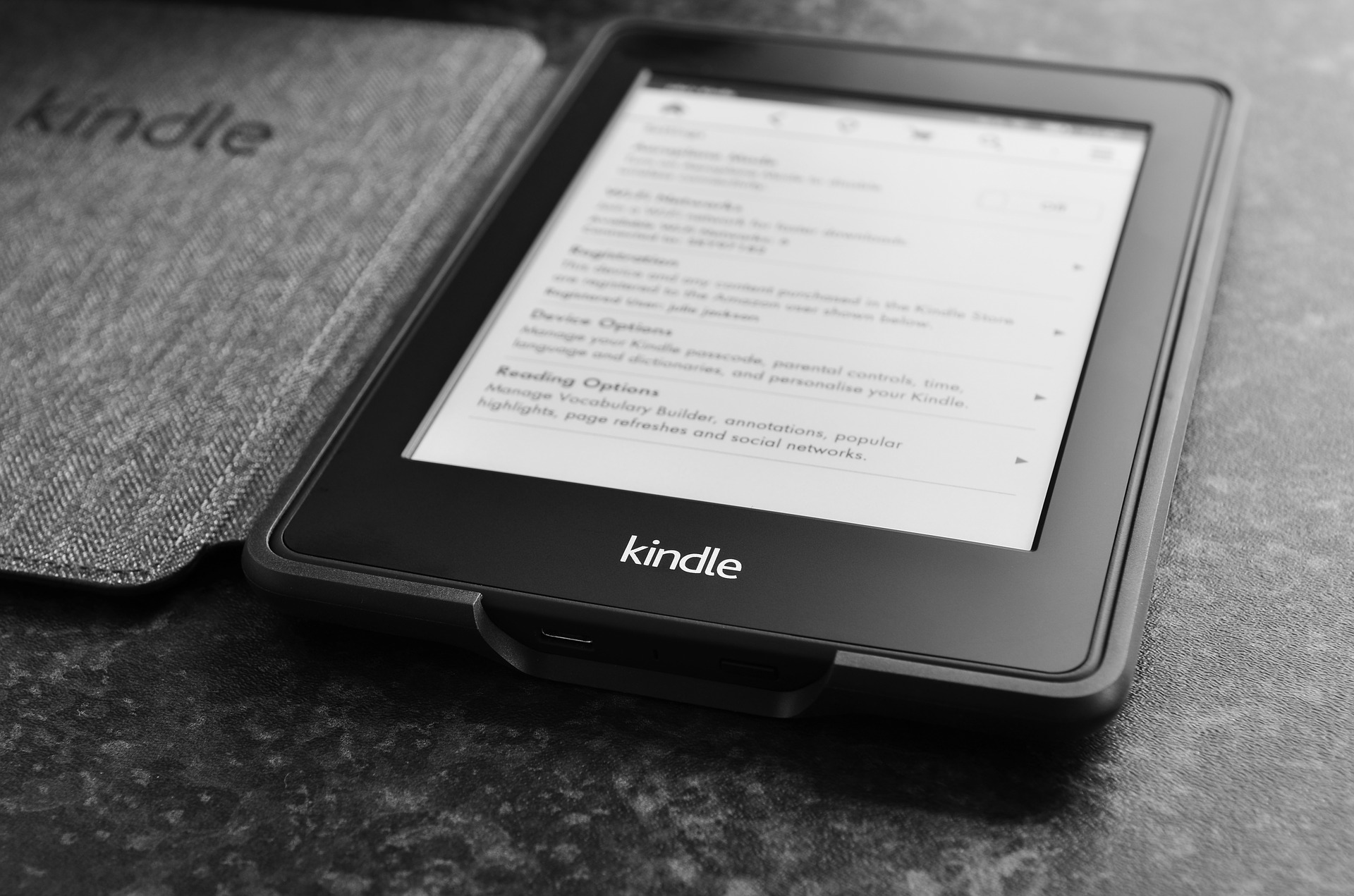
Our family loves all things Harry Potter. Several years ago we visited Universal in Orlando for my wife's birthday. If you are a fan of the books or movies and get the chance to go, I highly recommend it. The first time you step into Hogsmeade or Diagon Alley, it feels as if you have apparated into that world.
There is also something magical about the Kindle. Being able to store hundreds of books in a slim, lightweight package, never losing your place again, and bringing your local bookstore or library to you. So wonderful - until it stops working. Enter technical troubleshooting hell.
This happened to me the other day to me as I attempted to download a copy of J.K. Rowling's the Cursed Child onto the Kindle. For some reason, it wouldn't download and just displayed a "Pending" message. I tried the usual, obvious fixes:
Turn WiFi off and on - check
Turn the Kindle off and on - check
Redeliver from the Amazon store - check
For all my efforts, all I received was the same "Pending" message.
Luckily, there is an EZPZ fix for a stuck Kindle:
Step 1: Hold the power button for about 20 seconds (even when the screen goes black, make sure you keep holding down the button)
Step 2: Release the power button. The screen should flicker. Next you’ll see the Kindle start-up screen and a fill-up bar.
Step 3: Go back to the book that was stuck and if it has not downloaded already, try again and it should work this time.
Thanks to Scott Allen at ScottAllen.com for originally sharing this information. You are a champion!
Try these EZPZ steps first before becoming this guy.
P.S.
Now that your Kindle is working, do you want to leave it to chance whether you connect with someone or not? Do you enjoy the awkward silences that litter professional meetings, conferences and social events?
I've created a FREE guide to turning on your ability to click with anyone, anytime, anywhere. With one simple switch, you will dramatically change the way you experience the world. Get it HERE.
Next post Saturday, 6:30 a.m.